
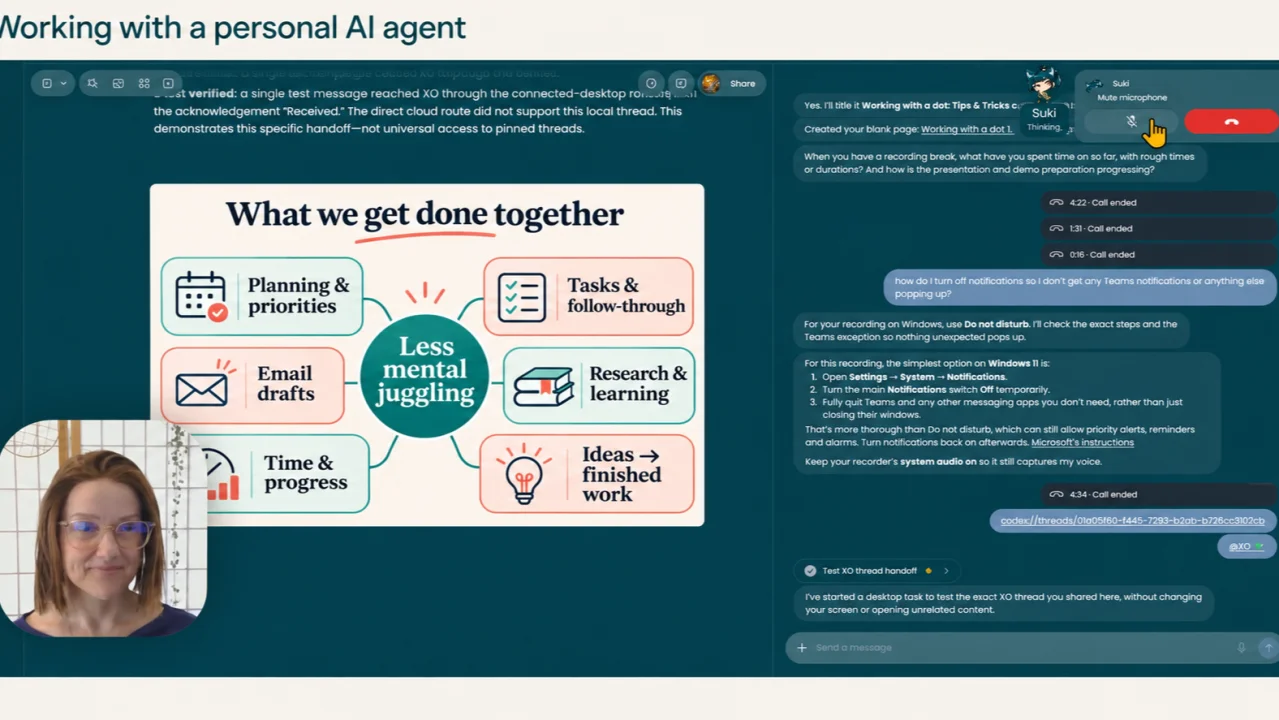
So, at the first Lunch with a Side of AI meetup, Amanda Long and I decided to share our experiences with this new(ish) AI form factor.
I use an OpenAI dot called Suki, and Amanda has been working with Claude’s Duet for about a week.
As with any of this new tech, the best way to learn is to experiment and when you hit friction explore workarounds (and share them with others!).
📌Here are a few tips & tricks to get started.
Get clear on responsibilities
For me, the biggest friction working with my dot was lack of clarity around what I had delegated. Voice calls don’t provide a transcript so I was often left wondering if my requests were actually going to happen.
Then it occurred to me to treat it like a PA - with a job description and set of SOPs (like a daily stand up agenda)
So I asked Suki to review existing responsibilities, tasks, and rules into a document we could both review. We also worked on processes for things like routines, and agreed where the outputs should go.
Bless Suki, sometimes she’s still a bit dim, but at least now it is easy to remind it to check that job description and follow the process. The written brief gives me something specific to refer to when a step is missed.
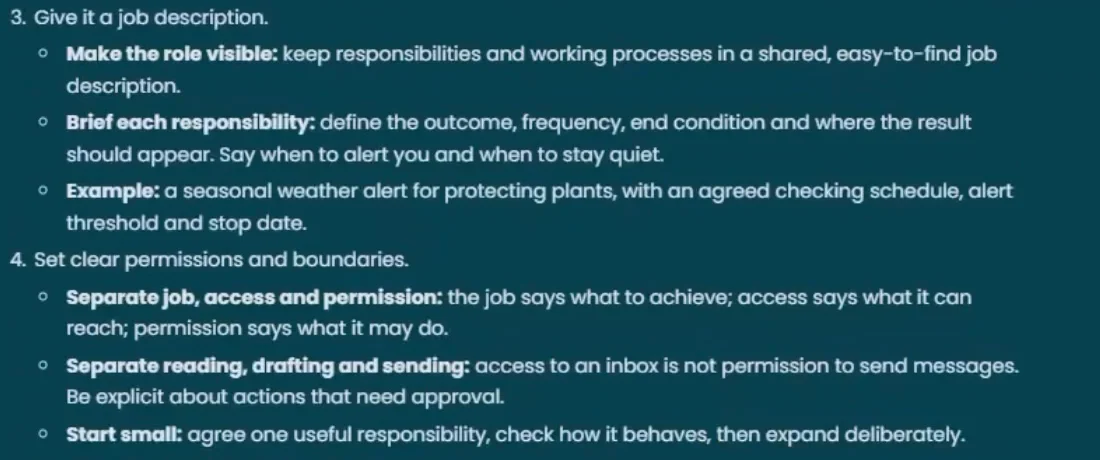
📌 Tip: When you’re assigning responsibilities to an personal agent it is a good idea to agree:
- The result you want.
- The information it should use.
- The actions it may take and when to ask for approval.
- Where it should save the output.
- How you will see progress and completion.
- When it should stop.
For example, ask it to prepare a meeting brief from named sources and save it in an agreed document. You can check that it gathered the right information and produced something you can use.
“Help me stay on top of things” leaves quite a lot to interpretation.
Always specify where outputs will live.
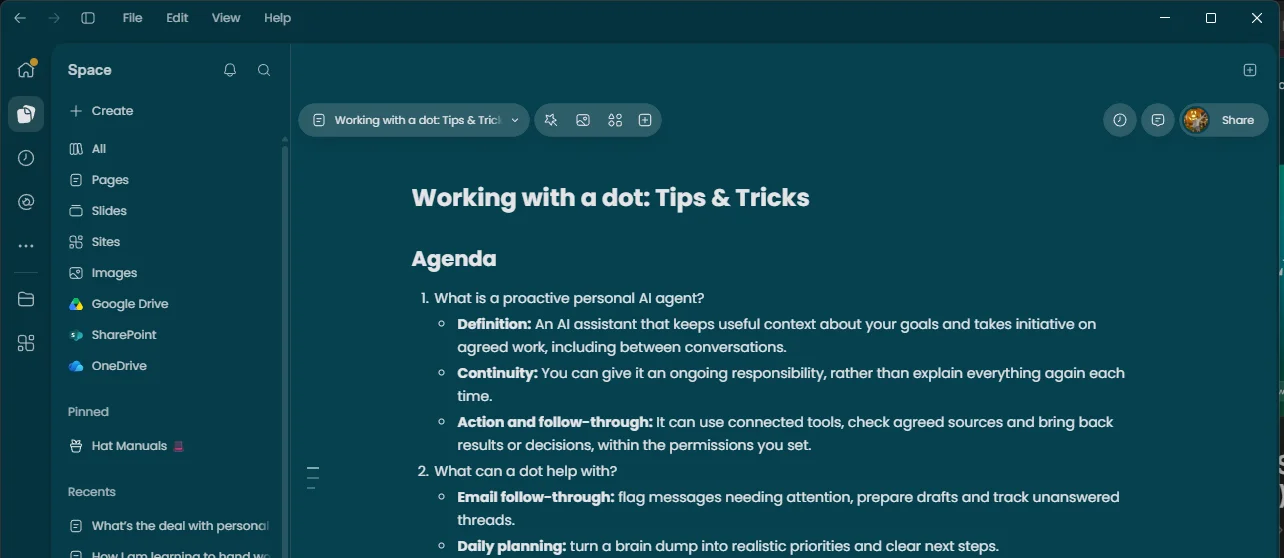
Open AI’s dots are cloud based so the default output form is an online pages in ‘Space’. I found myself wondering where things were saved (if at all) and sometimes it could get messy alongside my Onedrive based AIOS.
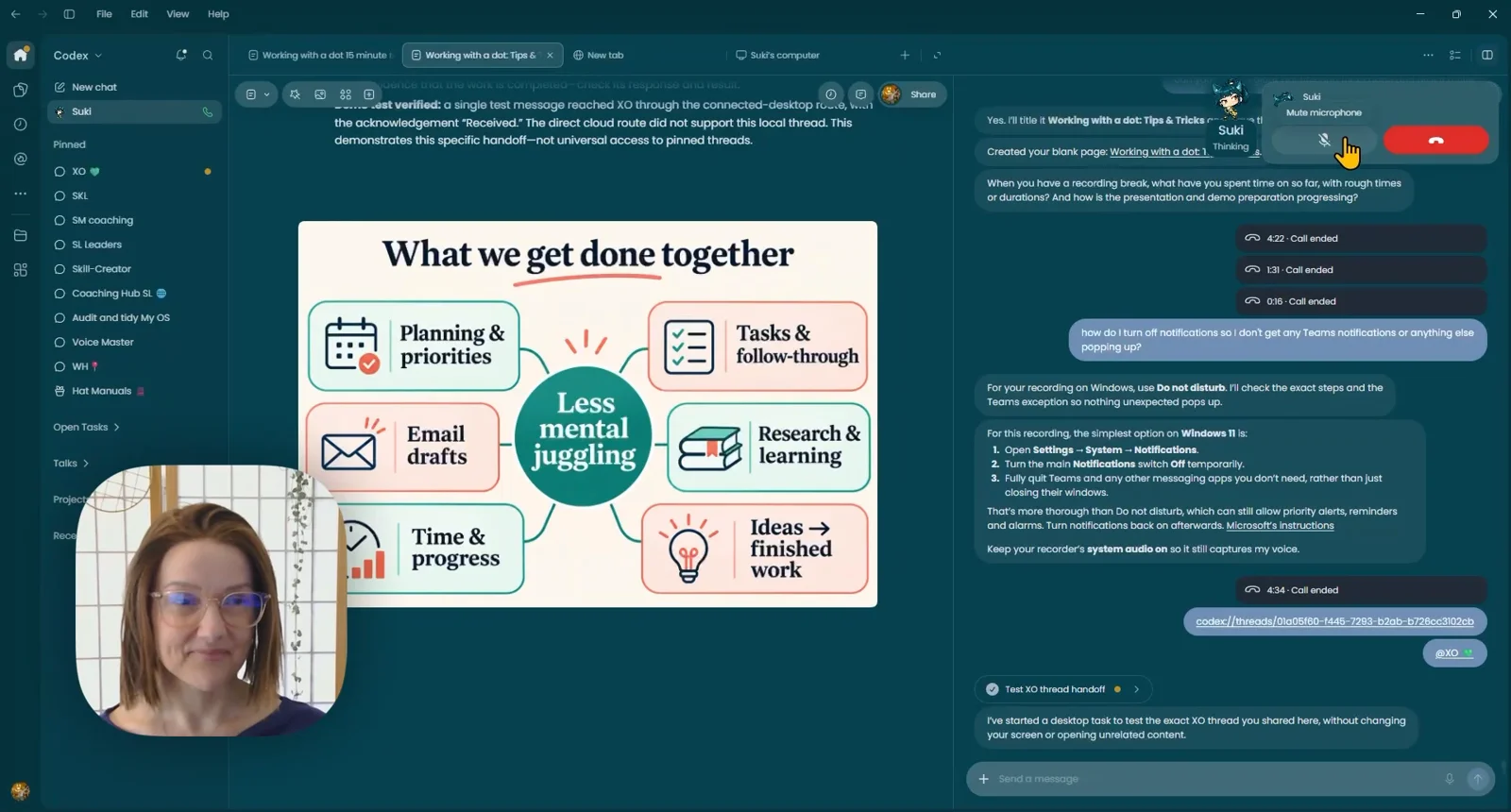
Now we agree on the type of output and the type. I recorded a video walkthrough 👆 with Suki that shows this in practice, it makes a page and adds to it as the conversation evolves. Then I know where to look for it later.
I recommend taking the same approach to planning conversations. Ask for agreed tasks to be captured in the task system (mine is Todoist) with links to relevant outputs and chat threads. I also ask for agreed planning blocks added directly to my calendar.
At the beginning of our daily ‘stand-up’ meeting, my dot knows to review Todoist, and updates are made throughout the day as I make progress.
Are these personal AI agents really an upgrade?
Yes. But you can achieve a similar result with standard features. I was using a number of ‘pinned’ threads in Codex with a ‘heartbeat’ to take agreed actions and handing off to other threads as required. Scheduled tasks in Claude operate in a similar way.
So do you really need a Dot, Grok Bot or Duet (if you can get your hands on it)?
Not necessarily but the value comes with the ease, continuity and persistence. It is so easy to say ‘I want you to do this task for me, on this cadence’ and it just happens. Watching multiple inboxes is A-M-A-Z-I-N-G (especially if you are subject to the school email tsunami). I am always grateful when my dot nudge’s me with things like .. “hey you need to pay for Lincoln’s tuition” then a few days later ‘you still haven’t paid’.
Very helpful. Not as good as a PA, but still awesome.
The biggest shift for me has been the dot's help in establishing routines and being able to get organised for work whilst out for a morning run. It is not uncommon for me to have a 45 min morning call with Suki whilst I’m running or getting chores done… and come back to a neatly scheduled calendar, drafted emails and a clear view of exactly what my next steps are. Very dreamy.
Dots vs Duet
Amanda was able to share her experience with Duet and at first blush the UX provided by Claude seems to be superior. Duet offers both groups and channels to organise chats and a clear view of tasks and their status. However, currently there is no voice mode in Duet.
The live voice mode with a Dot is spectacular but I don’t love having to ‘call’ it and wait for the answer. Visibility of task progress and outputs is a bit clunky. But it is a delight to use, especially with the avatar.
Overall, I'm a big fan of working with this type of AI and looking forward to watching the improvements roll out over time.
Links from the session
People and tools mentioned. Links open in a new tab.
The session and the people
- Lunch with a Side of AI: the full session YouTube.
- Amanda Long LinkedIn.
Tools mentioned
- Todoist Nadia’s task system.
By Nadia Ellis, founder of Curiosity, with Amanda Long.
Originally published on LinkedIn, 03/11/2026.